Original spec commercial / Production case study
NUVO.
Find your space.
A room comes apart. A world opens up.
A 30-second headphone film built through AI filmmaking, 3D camera blocking, motion design, and a carefully finished edit.
An original Make Good concept for a fictional headphone brand. This is self-initiated spec work, not a commissioned client campaign.
01 / The idea
Make the feeling
of listening visible.
Everything wants your attention. What happens when you choose where to put it?
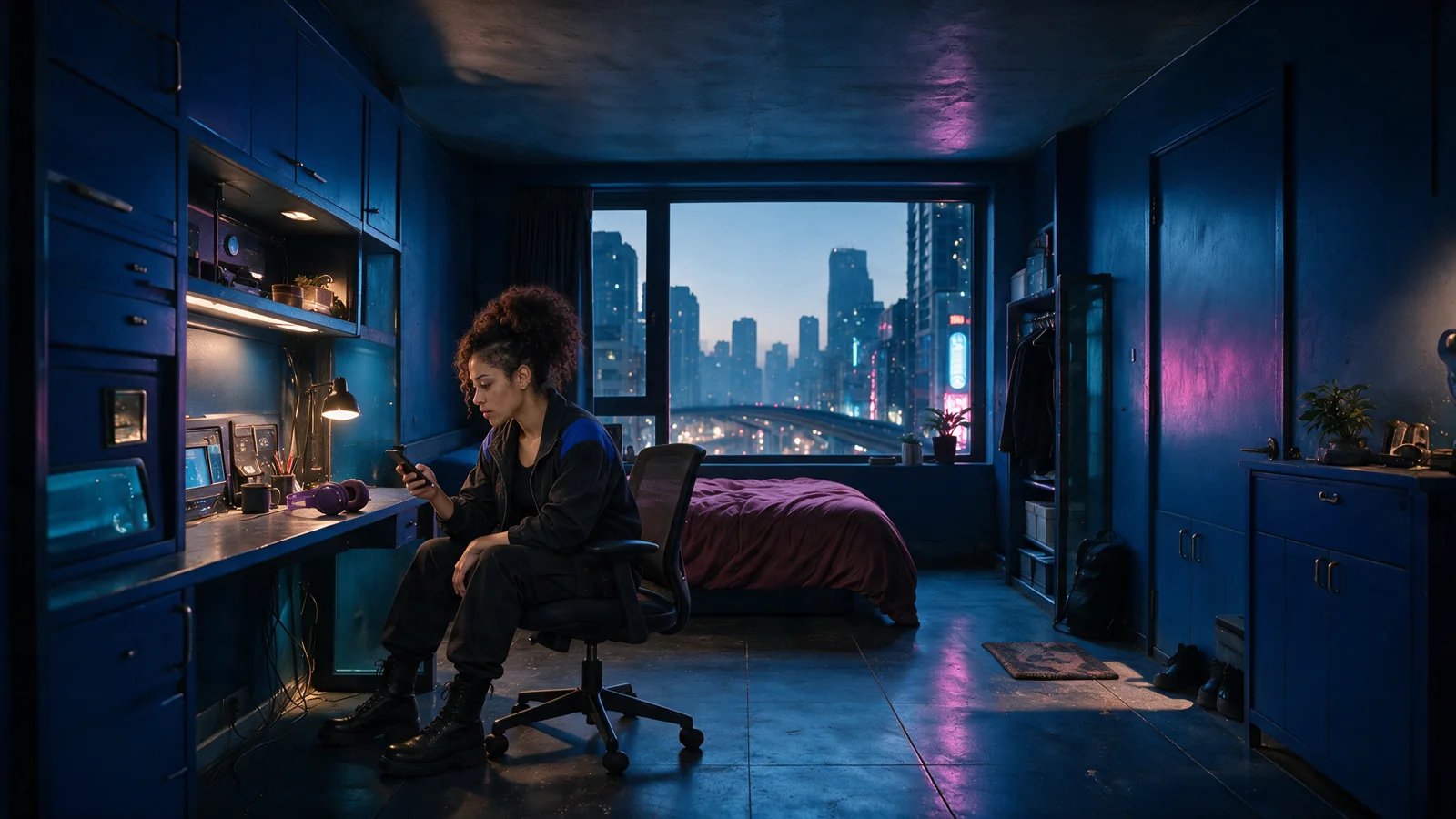
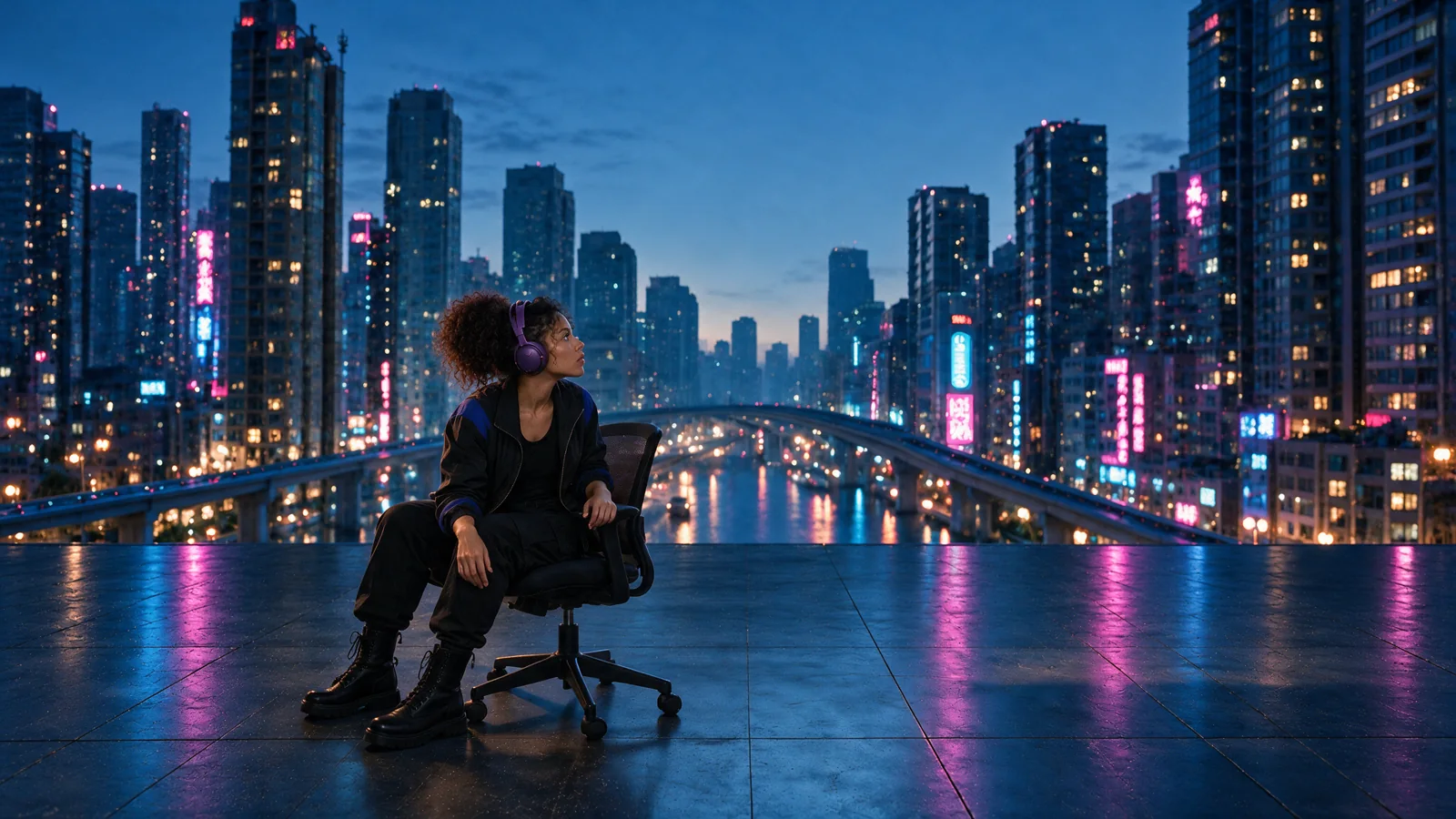
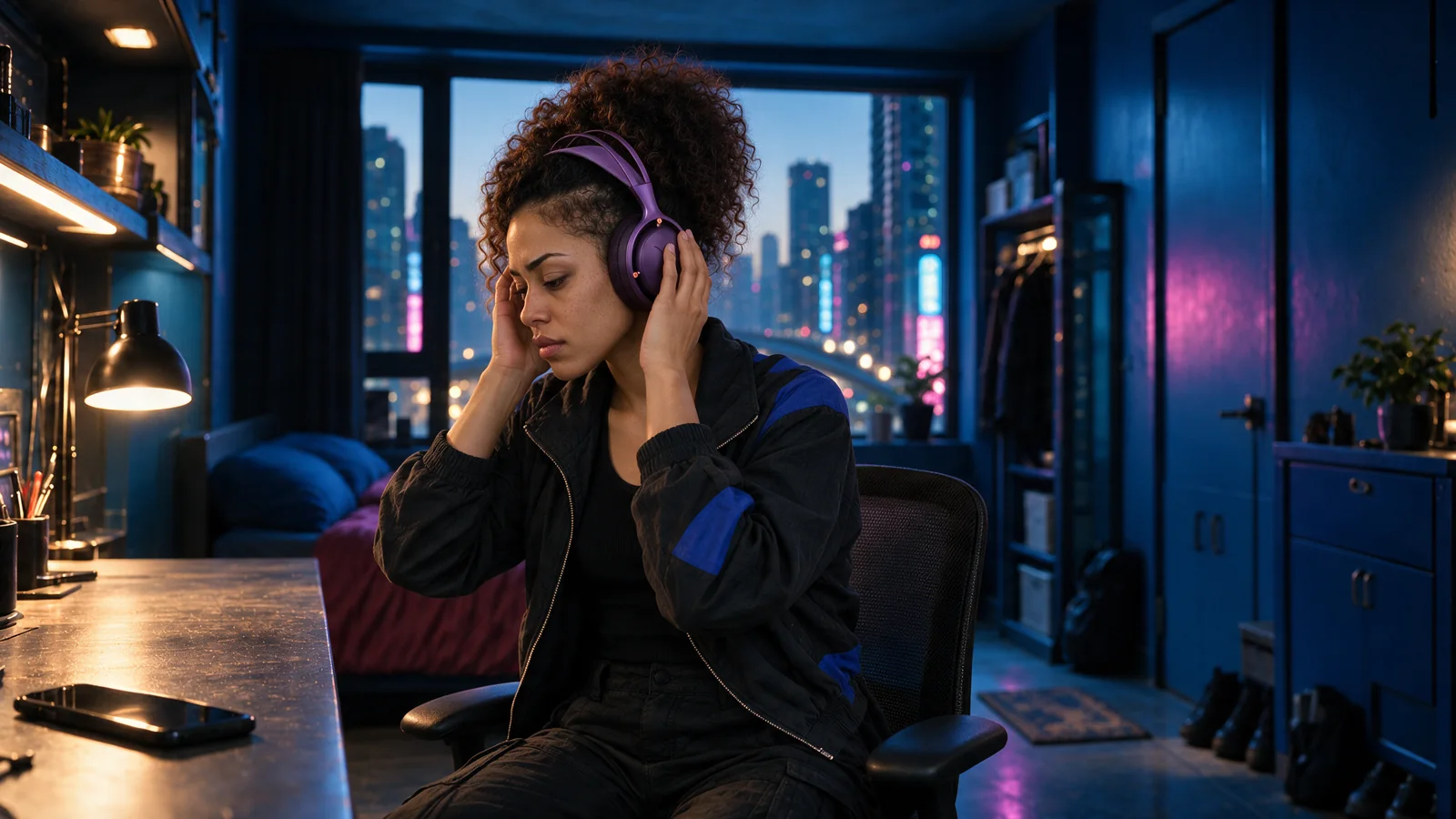
We built NUVO around that question. The film starts with a woman at a crowded desk in a neon-lit room. A phone interrupts. She reaches for her headphones, puts them on, and the architecture begins to move away. The room gives way to an open city skyline.
The brief was to create an original product film with a clear emotional turn: pressure, a deliberate choice, then release. The headphones needed to remain recognizable through handling, close-ups, a large environmental transformation, and the final product shot.
- Project
- Original fictional brand / Spec commercial
- Make Good’s role
- Concept, visual development, AI production, 3D blocking, compositing, motion design, editing and sound
- Final format
- 30 seconds / 1920 × 1080 / 24 fps
- Production approach
- Reference-led AI imagery and footage, Blender, After Effects and DaVinci Resolve
02 / Visual development
One character.
One product. One world.
The image work had to establish a visual language that could survive the edit.

Separate the references by what they control.
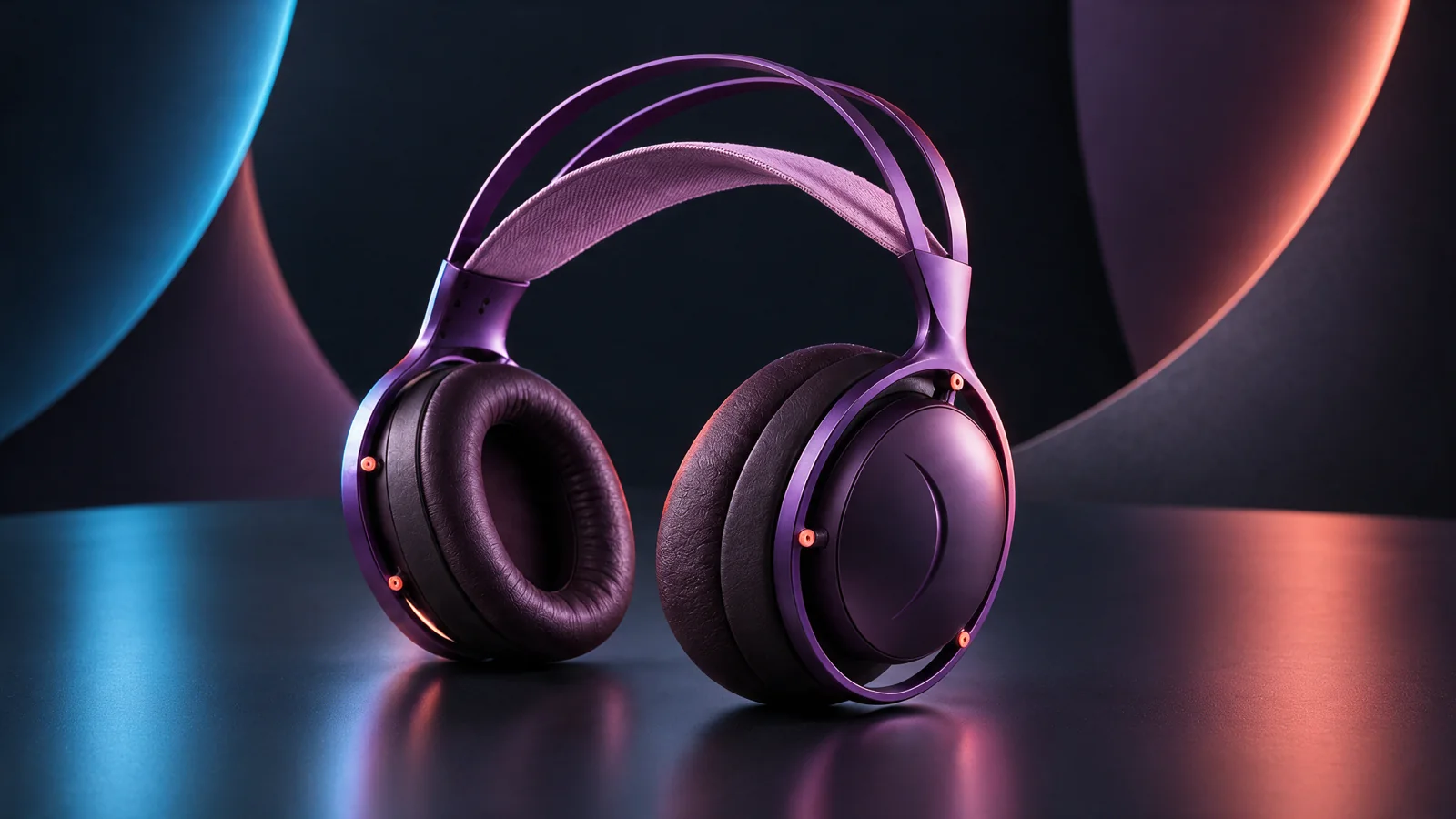
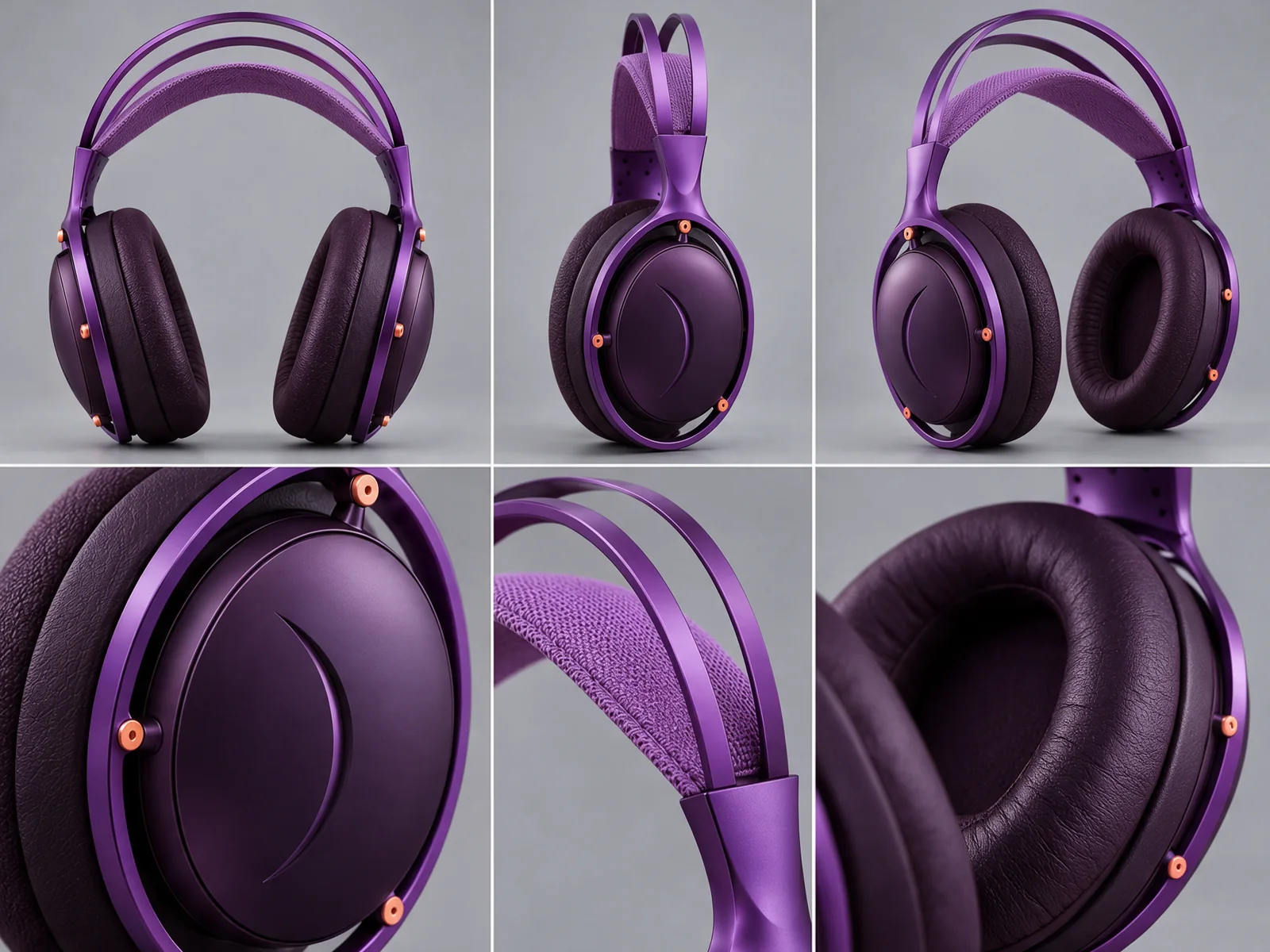
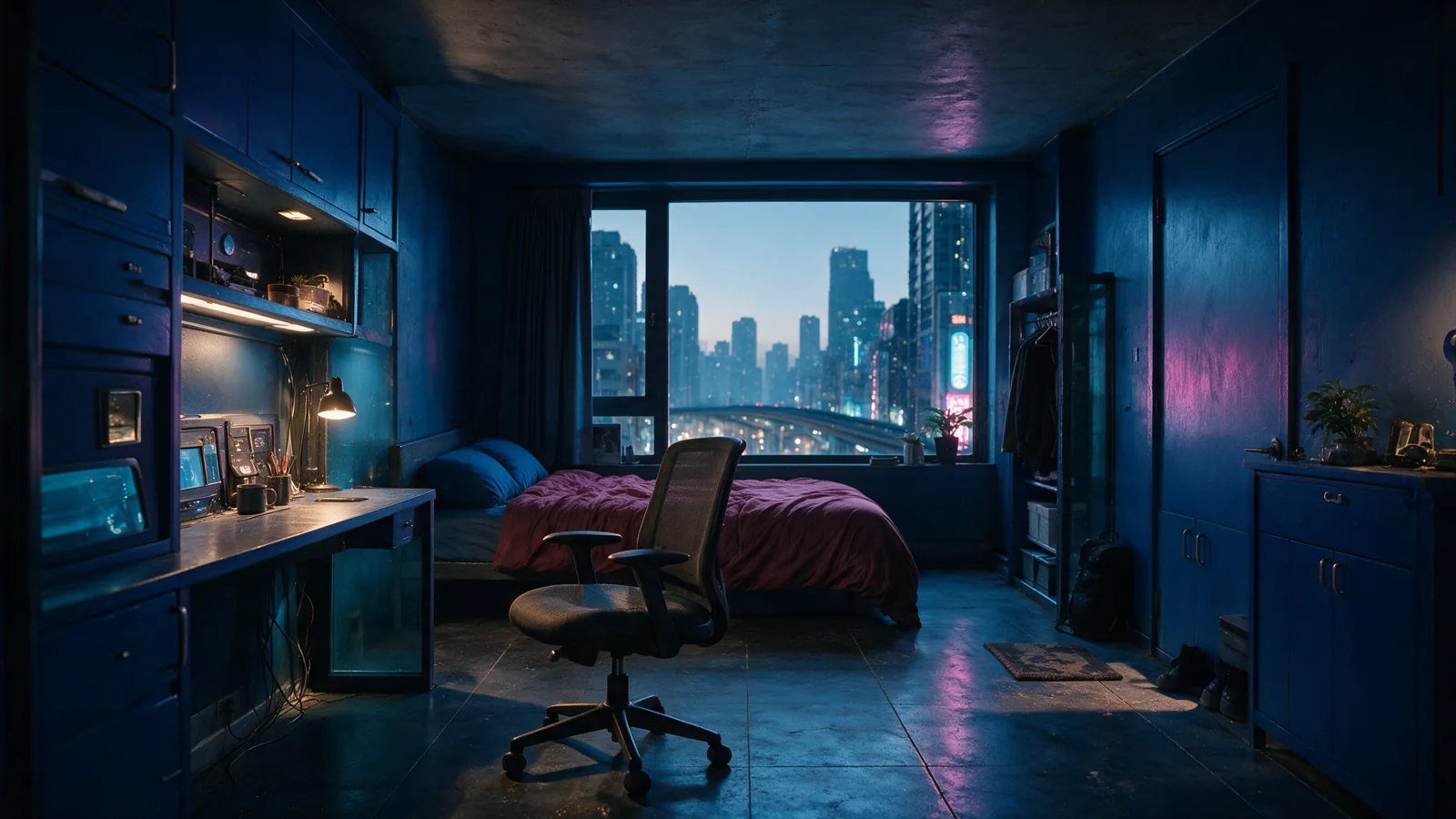
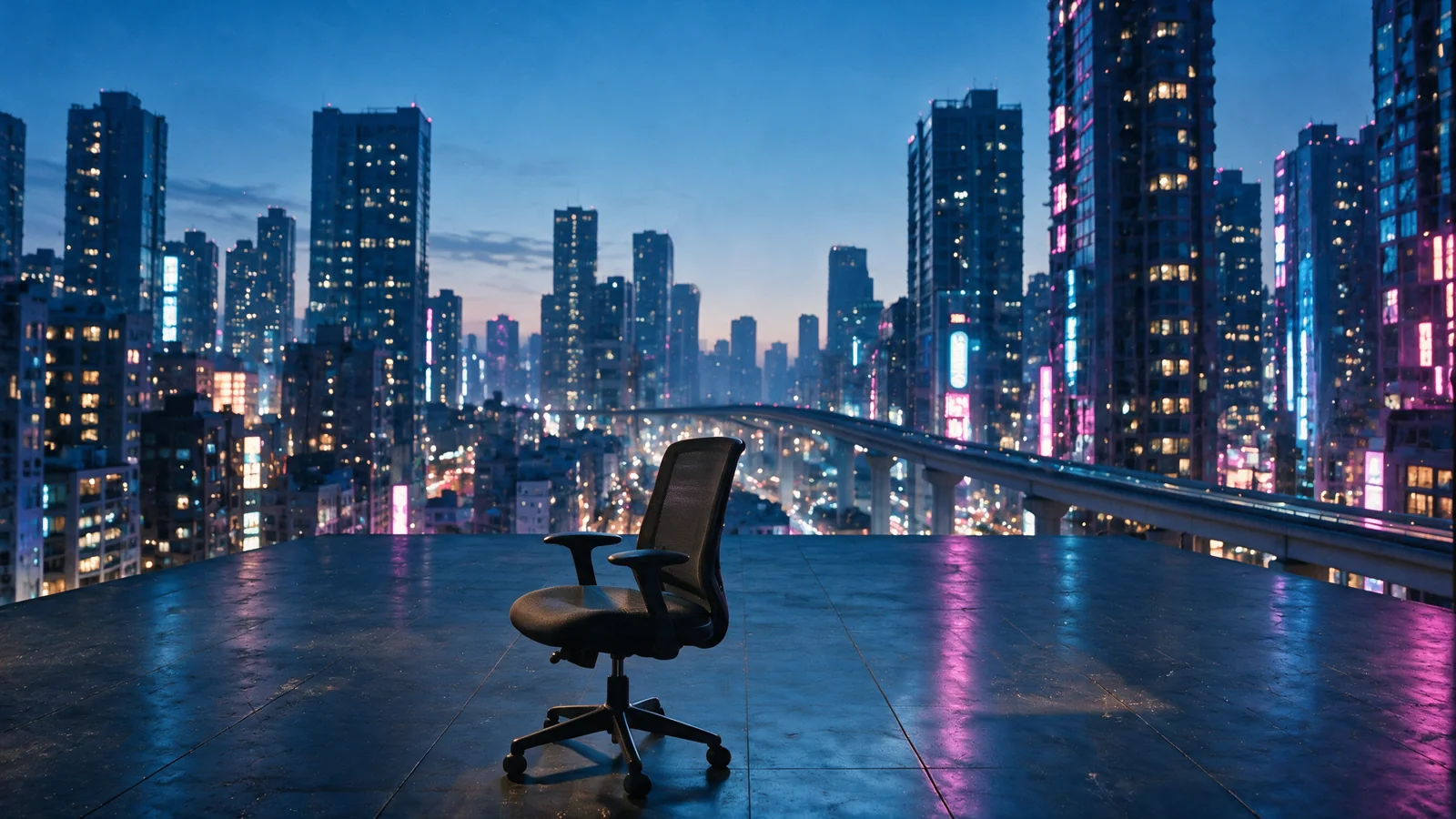
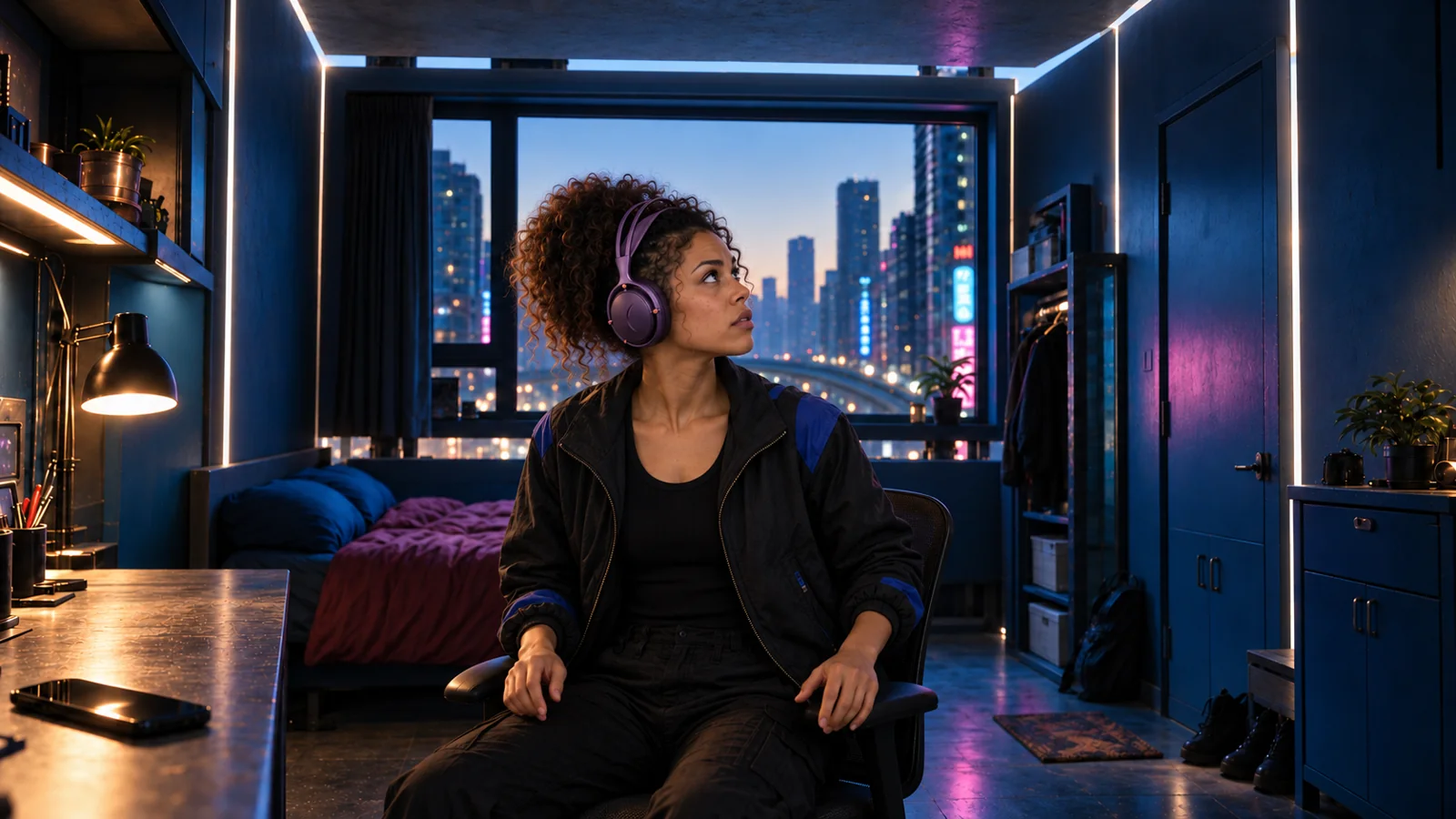
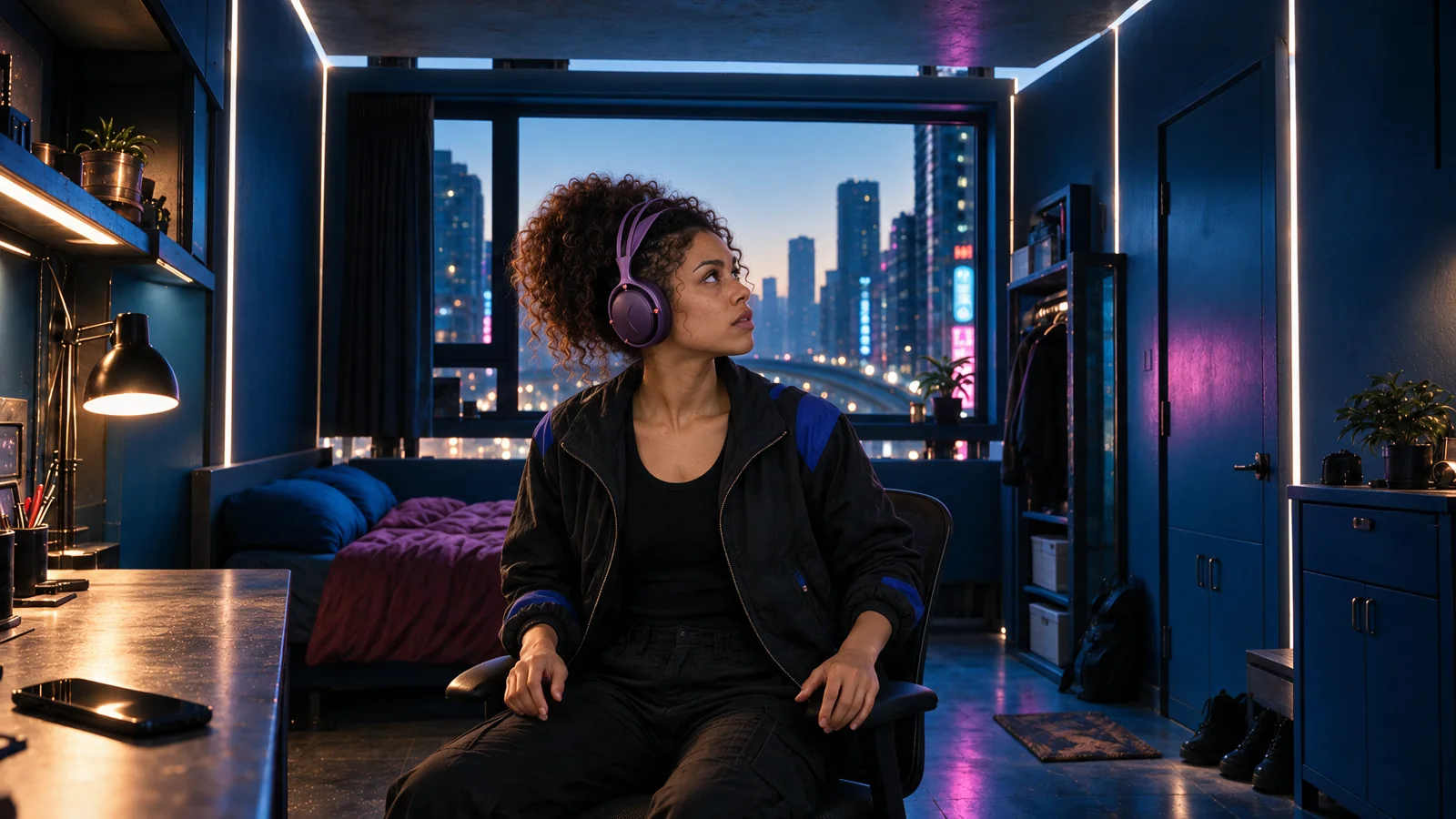
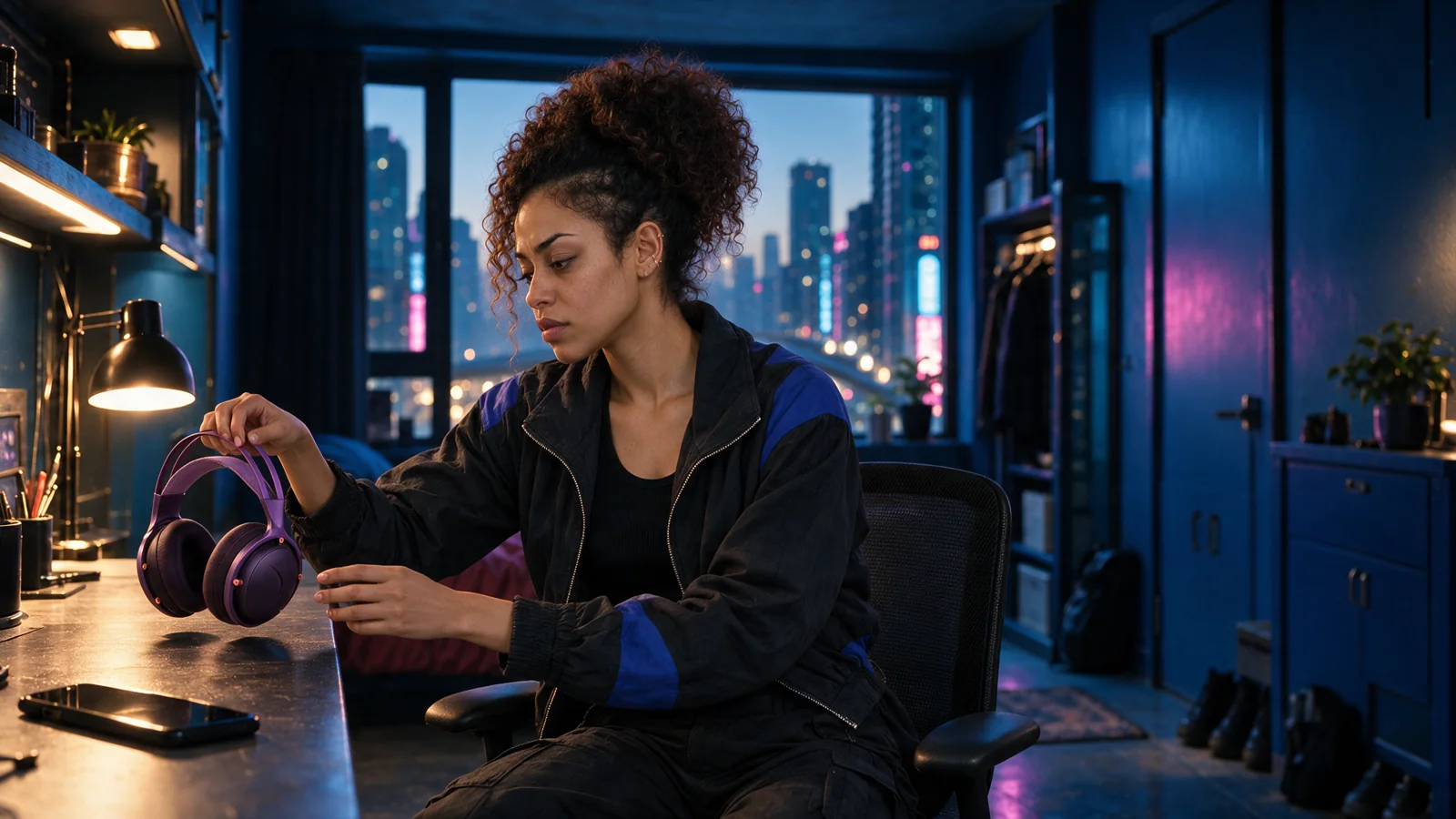
We developed dedicated character, product and room references. The character sheet anchors facial features, hair, wardrobe and headphone fit. The product reference carries shape, materials and color. Environment references establish the room and the world beyond it.
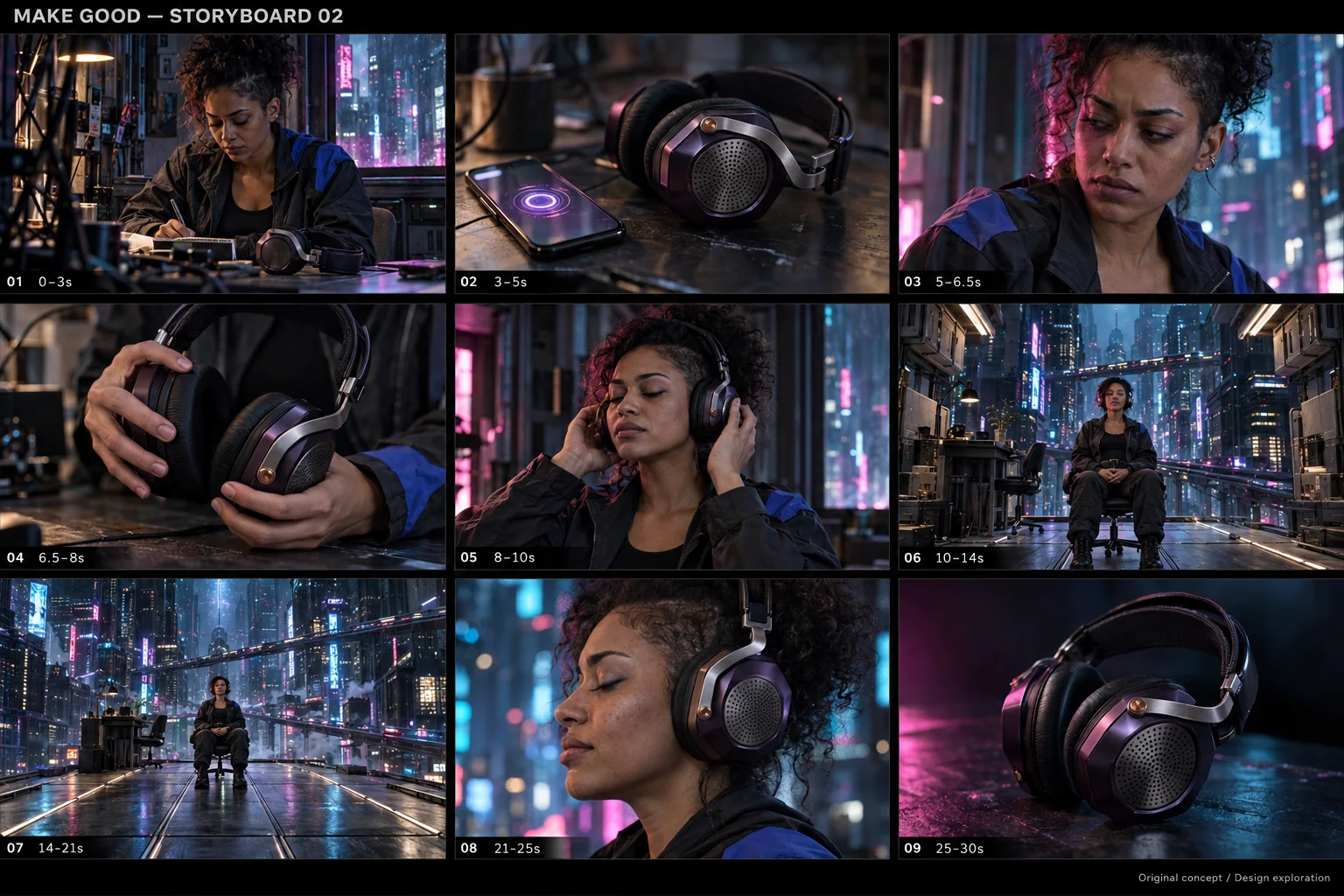
Individual storyboard frames then define the composition and action. A reference for identity should not accidentally force every shot into the same pose—or restore walls that are supposed to have moved away.
Review the sequence, not just the best frame.
Storyboard development used ChatGPT image generation and a Seedream refinement pass. We reviewed the frames together for product changes, mismatched camera angles, chair placement and room geography.
A convincing still does not prove that two frames will connect in motion. The difficult room reveal needed a separate spatial plan before it could become a usable shot.
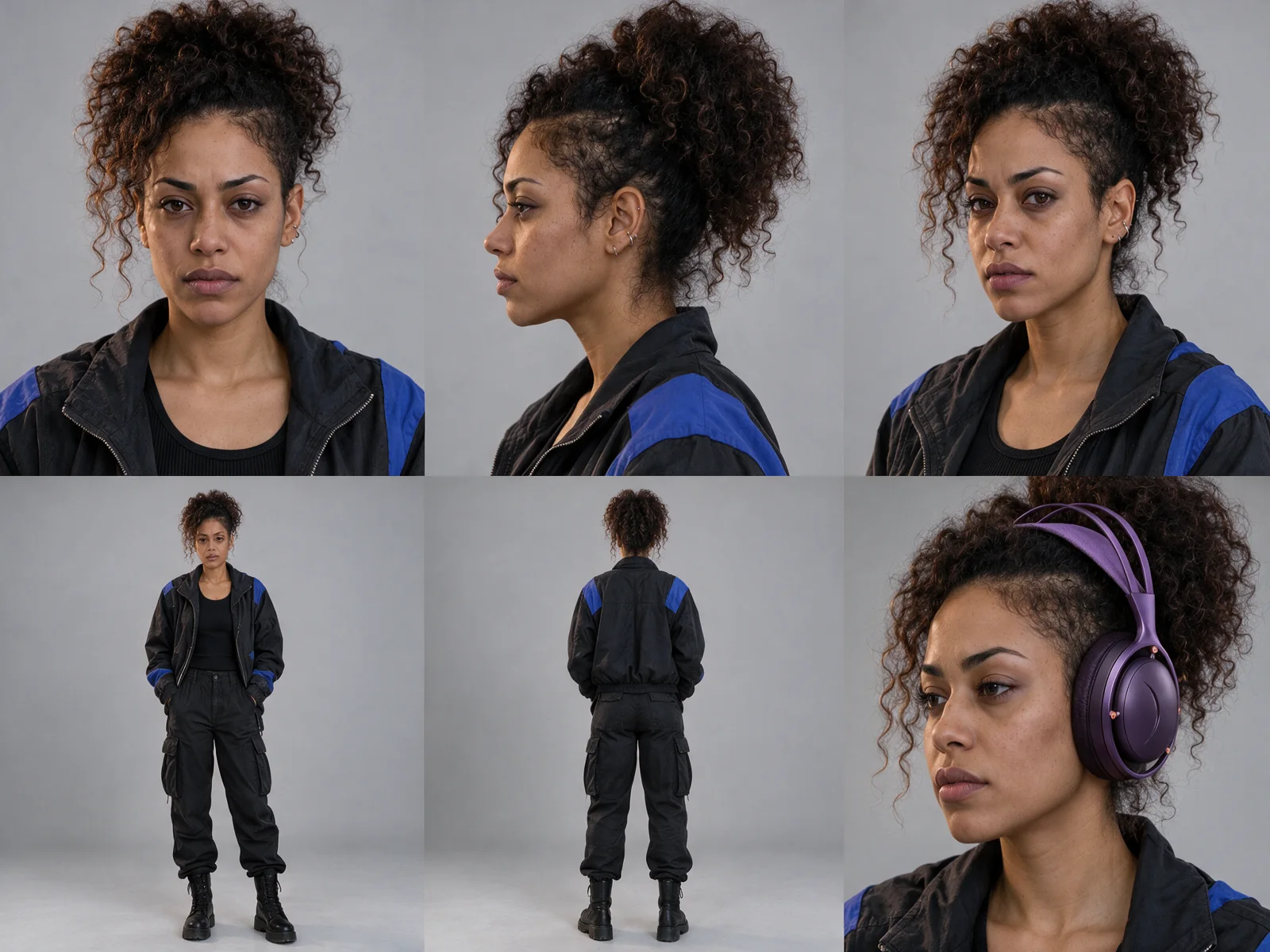
Explore the product, environment and storyboard references
03 / Camera & AI production
Give the impossible
a physical plan.
The biggest production problem was the room opening. The camera, architecture and seated character all needed to make sense together.
Block the move in Blender.
We built a simplified 3D guide for the camera move and room disassembly. Wall and storage sections have their own timing. The chair and floor stay fixed, giving the move stable spatial anchors as the camera reveals more of the environment.
The guide went through timing revisions, including moving the final wall earlier. That made the intended choreography visible and reviewable before asking the generative model to interpret it.
Use the guide as one part of the input.
The AI video pass combined the motion guide with the approved visual references and written shot direction. The guide supplied movement and timing; the reference images supplied the person, product and environment.
We reviewed generated takes for the motion itself: contact with the chair and floor, changes to the headphone design, camera travel, and whether the walls moved as solid pieces. A prompt alone could not settle those questions.
“Follow @Video1's physical backward dolly and gradual rise from medium to wide. Framing changes substantially and continuously.”
“Chair base and wheels stay on the same floor tiles throughout. Feet remain planted; no rolling, sliding, floating or spinning.”
The attached video was the Blender guide. These instructions define the intended behavior; each generated take still needed visual review against that intention.
Which generated sources made the final edit?
Room, phone, pickup, fitting and reveal: five selected higher-resolution Seedance 2.5 outputs produced through Higgsfield.
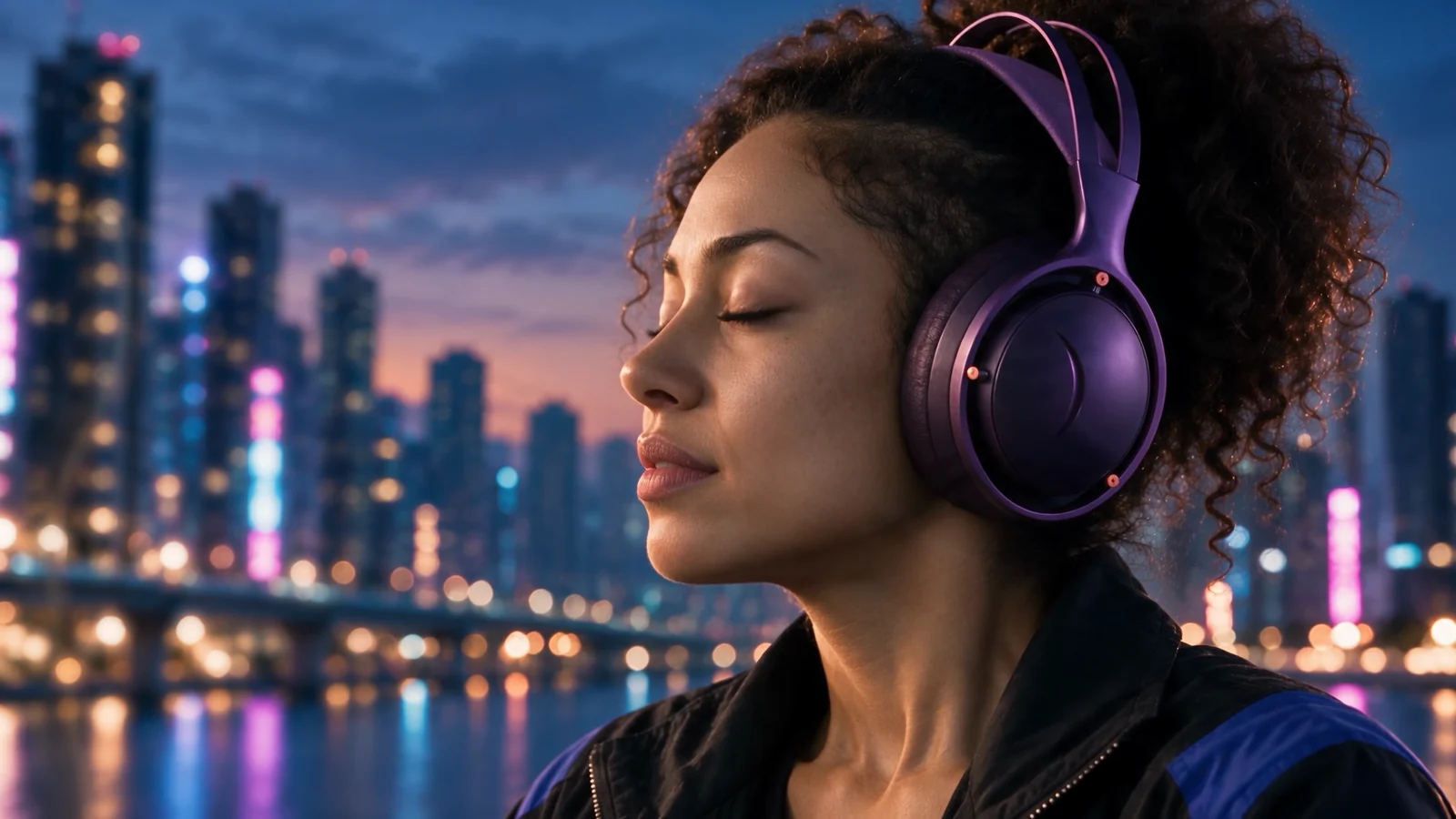
Release close-up: a selected 1920 × 1080 Seedance take produced through Higgsfield, with the After Effects treatment updated to use that source.
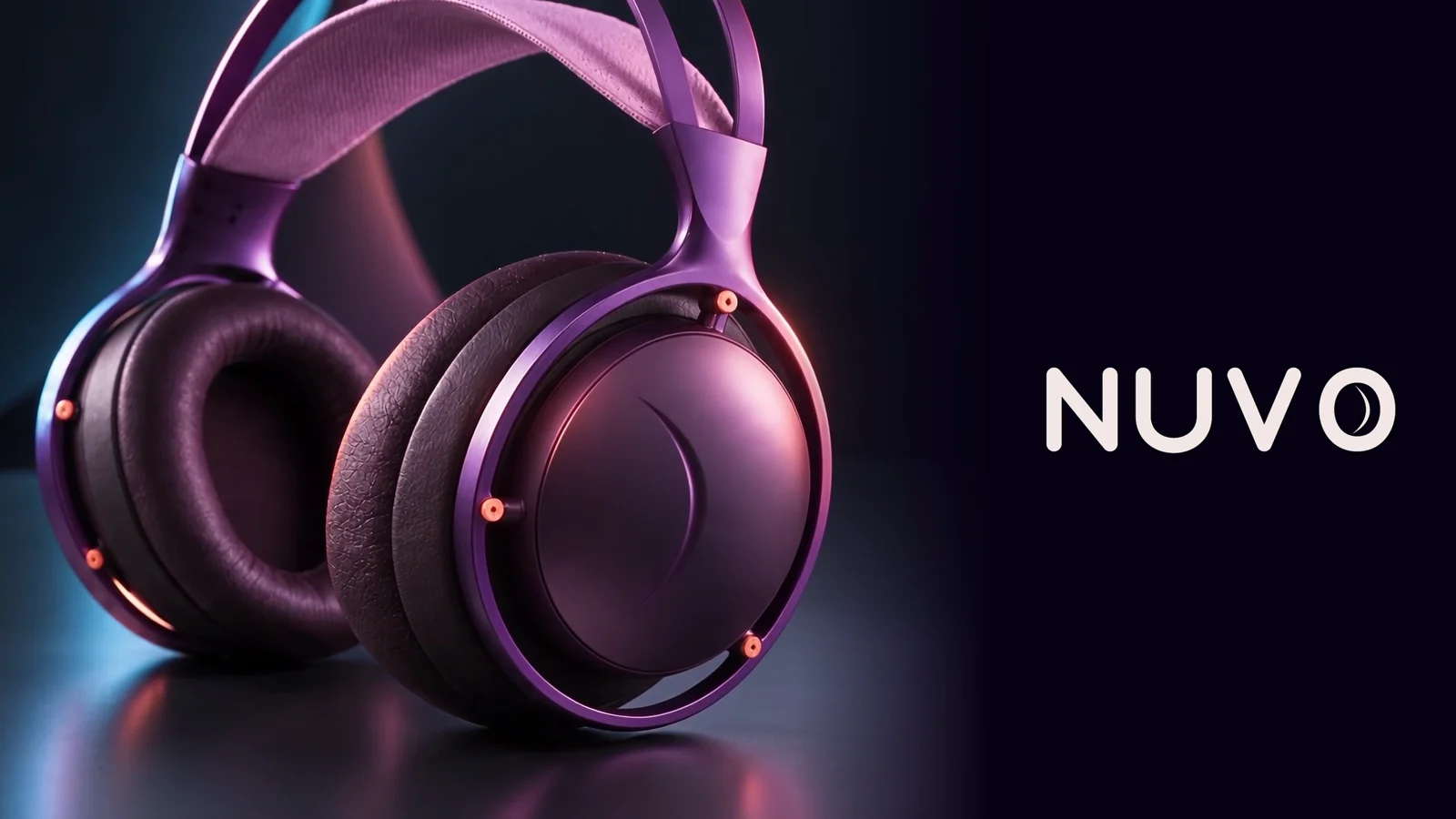
Product hero: a silent Seedance 2.5 image-to-video output produced through fal, used for the final four seconds. The exact NUVO logo and end gradient were added as separate graphics in the edit.
These are the selected sources in this film. Other tests and unused takes are development material.
What the iteration actually involved
We saved the submitted prompts and reference order, compared candidate takes, and chose footage for the edit. Moving to a higher-resolution generation was another take-selection decision; it was not a promise of identical motion. The finished release close-up uses the selected 1080p take in both the edit and its separate After Effects composite.
04 / After Effects
Build the atmosphere.
Keep the face and product clear.
The AI footage was a source for compositing. The dream treatment was built and refined separately in After Effects.
Light waves that belong to the scene.
Slow, scene-colored prism waves and controlled softness connect the close-ups to the larger environmental reveal. The treatment lives in a native, editable After Effects project, so its motion, blend and intensity can be adjusted without regenerating the shot.
A finishing decision with a commercial purpose.
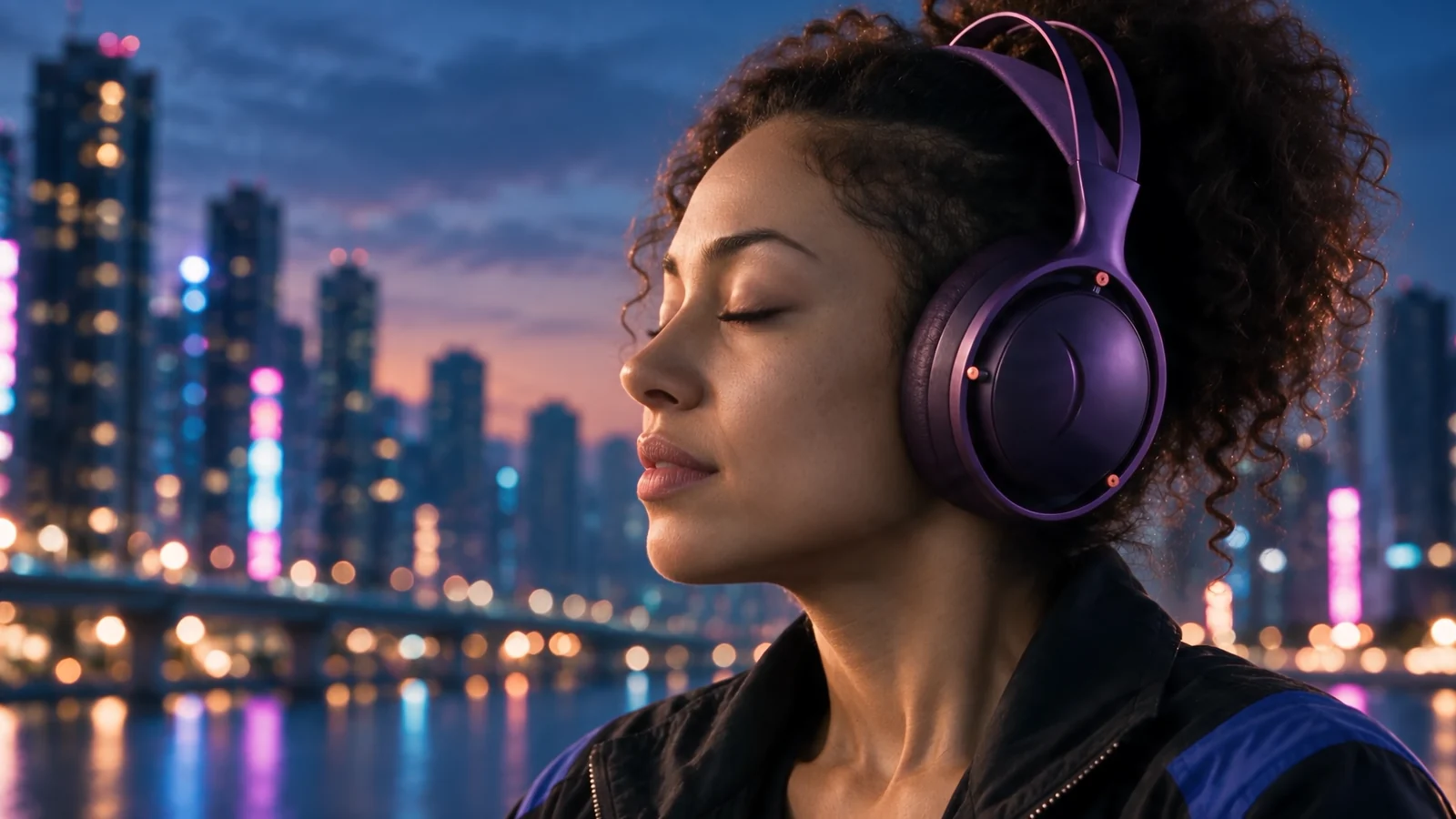
The close-ups needed atmosphere without obscuring the face or headphone detail. A feathered clean-footage layer protects those areas while allowing the waves to remain around the edges. The final adjustment changes the composite; it does not sharpen or invent missing source detail.
05 / Edit & sound
Make thirty seconds
feel like a journey.
The edit in DaVinci Resolve shapes seven generated source shots into a 30-second film. Short opening cuts establish distraction and the physical action of picking up the headphones. The room reveal gets time to unfold, followed by a close-up and the product hero.
After Effects treatment, the brand end graphics and the underlying footage remain separate in the edit. That keeps finishing decisions adjustable while preserving the selected performance and timing.
Sound carries the change in attention.
The final mix retains the music, voiceover and designed effects, adding selected natural-sound accents from the AI-generated phone, pickup and fitting clips. A licensed Epidemic Sound exhale supports the release close-up. Native clip-volume keyframes and fades in Resolve shape those accents around the voice and music while keeping the mix editable.
The music is “Boundless” by Ooyy. The pacing works toward the final line: “Give it something worth hearing.” The product and brand resolve the thought after the world has opened.
- 00–07sDistraction & choice
Room, phone, pickup.
- 07–10sHeadphones on
The change begins.
- 10–22sThe room opens
Hold space for the reveal.
- 22–30sRelease & product
Close-up, hero, brand.
Read the film’s story and spoken copy
A woman sits in a crowded futuristic room. An interruption draws her attention to the desk. She picks up purple headphones and puts them on. The walls move away as the camera reveals a vast city. A close-up holds on her wearing the headphones, followed by the product and NUVO branding.
- 01.00–02.88
- “Everything wants your attention.”
- 05.00–06.13
- “Even now.”
- 22.00–23.88
- “Give it something worth hearing.”
- 27.00–28.17
- “Nuvo.”
The copy and cue positions were checked against the saved edit. The soundtrack combines voiceover, music and effects. This text describes the story; it is not a claim about real headphone performance.
06 / The result
A finished film.
A visible production process.
NUVO brings concept development, consistent visual references, directed AI footage, 3D planning, compositing and sound into one original spec commercial.
What this demonstrates
For a brand team, the useful part is the production behind the image: a defined brief, references that can be reviewed, a plan for the hardest shot, and an edit that can be refined. Those decisions are how we approach AI video production and motion design.
Project scope
This case study covers the completed 30-second horizontal film and its production examples. NUVO is a fictional brand created for the concept. There are no commissioned-client results or campaign performance claims attached to it.
Back to the finished film ↑Make Good / AI video production & motion design
Have a product story
worth making?
Send Josh the product, audience, launch date and where the film needs to run. We’ll discuss a creative direction and a practical production scope.
Discuss a Product Film